
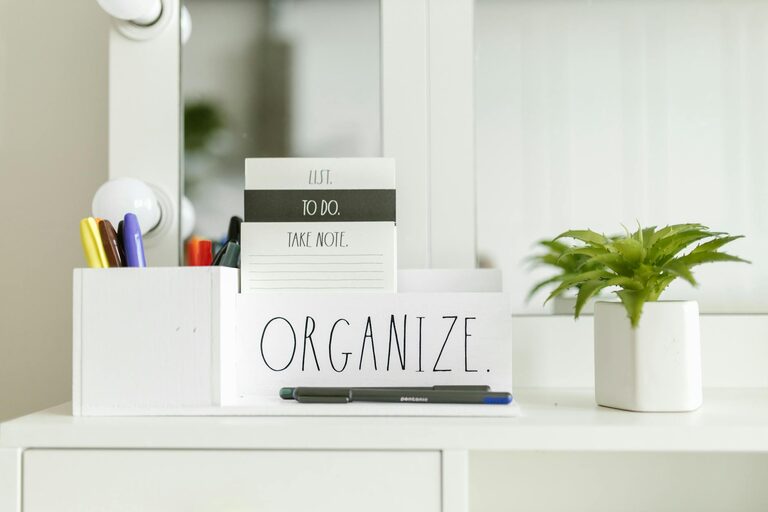
Creating a clutter-free home office is more than just about tidiness — it’s about setting a foundation for productivity and focus. A well-organized workspace reduces distractions, helps you find what you need quickly, and creates a calm environment to encourage creativity and efficiency. Whether you work full-time from home or need to carve out a productive nook for occasional tasks, these tips will help you organize your home office effectively.
Why a Clutter-Free Home Office Matters
When your workspace is cluttered, your mind often feels cluttered too. Papers piled up, tangled cords, and random items on your desk can create mental noise, making it harder to concentrate. On the other hand, an organized office helps:
– Improve focus: With fewer distractions, you can stay on task longer.
– Save time: Find documents and tools quickly without wasting minutes searching.
– Reduce stress: A clean environment often leads to a clearer mind.
– Boost motivation: A neat space feels inviting and energizing.
Now that we understand the benefits, let’s dive into practical ways to organize your home office.
Step 1: Declutter Thoroughly
Before organizing, start by clearing out everything. Remove all items from your desk, shelves, and drawers.
– Sort items into three piles: Keep, Donate/Sell, and Toss.
– Be honest about what you really need. If you haven’t used or looked at something in the last six months, it might be time to let it go.
– Paperwork can pile up fast: digitize what you can by scanning important documents and storing them securely online.
Step 2: Choose the Right Furniture and Layout
Creating a comfortable and efficient layout is essential.
– Select a desk that suits your available space, with enough surface area to accommodate your work essentials.
– An adjustable chair with good back support helps you stay comfortable during long hours.
– Position your desk near natural light if possible — it improves mood and reduces eye strain.
– Arrange your workspace to keep frequently used items within arm’s reach to minimize unnecessary movement.
Step 3: Create Zones for Different Tasks
Designate specific areas for different activities to keep things orderly:
– Work zone: Your primary desk area for computer work, writing, and calls.
– Reference zone: Shelves or filing cabinets with books, binders, and important documents.
– Supply zone: Storage for pens, notepads, chargers, and office supplies.
– Relax zone: A small space with a comfy chair or cushions for breaks and brainstorming.
Having clear zones helps your brain switch tasks efficiently and keeps supplies organized.
Step 4: Use Smart Storage Solutions
Good storage is key to maintaining an uncluttered environment.
– Desk organizers: Use trays, pen holders, and drawer dividers to keep small items sorted.
– Shelving units: Open shelves or wall-mounted options can save floor space and keep materials visible but tidy.
– File organizers: Vertical file holders or rolling carts are great for papers and folders.
– Cable management: Use clips, ties, or a cable box to keep cords untangled and out of sight.
Label storage containers so you always know what’s inside, saving you time.
Step 5: Embrace Digital Tools
Reducing paper clutter is easier when you adopt digital tools:
– Use cloud storage services like Google Drive or Dropbox to keep documents accessible and backed up.
– Note-taking apps such as Evernote or OneNote help keep ideas and to-do lists organized.
– Manage your calendar and tasks digitally to avoid paper planners or sticky notes piling up.
Regularly declutter your digital files to maintain this organization.
Step 6: Maintain Daily and Weekly Habits
Keeping your office clutter-free requires regular upkeep.
– Spend 5–10 minutes at the end of each day clearing your desk and putting items back in place.
– Empty your inbox and filing trays regularly.
– Schedule a weekly session to tidy up shelves, supplies, and cords.
Developing these habits makes organization less overwhelming and keeps your workspace inviting.
Bonus Tips for Personalizing Your Space
A clutter-free office doesn’t mean it has to be bland. Personal touches can boost your mood and motivation.
– Add a plant or two — they improve air quality and add warmth.
– Hang art or photos that inspire you.
– Choose storage and office accessories that match your style and create a pleasing atmosphere.
Conclusion
Organizing a clutter-free home office is a powerful way to boost your productivity and reduce stress. By decluttering, creating functional zones, using smart storage, and maintaining daily habits, you can design a workspace that supports your goals. Take the time to set up your office thoughtfully, and you’ll find working from home becomes more enjoyable and efficient.
Start with small changes, and soon your home office will be a place where focus and creativity thrive!